
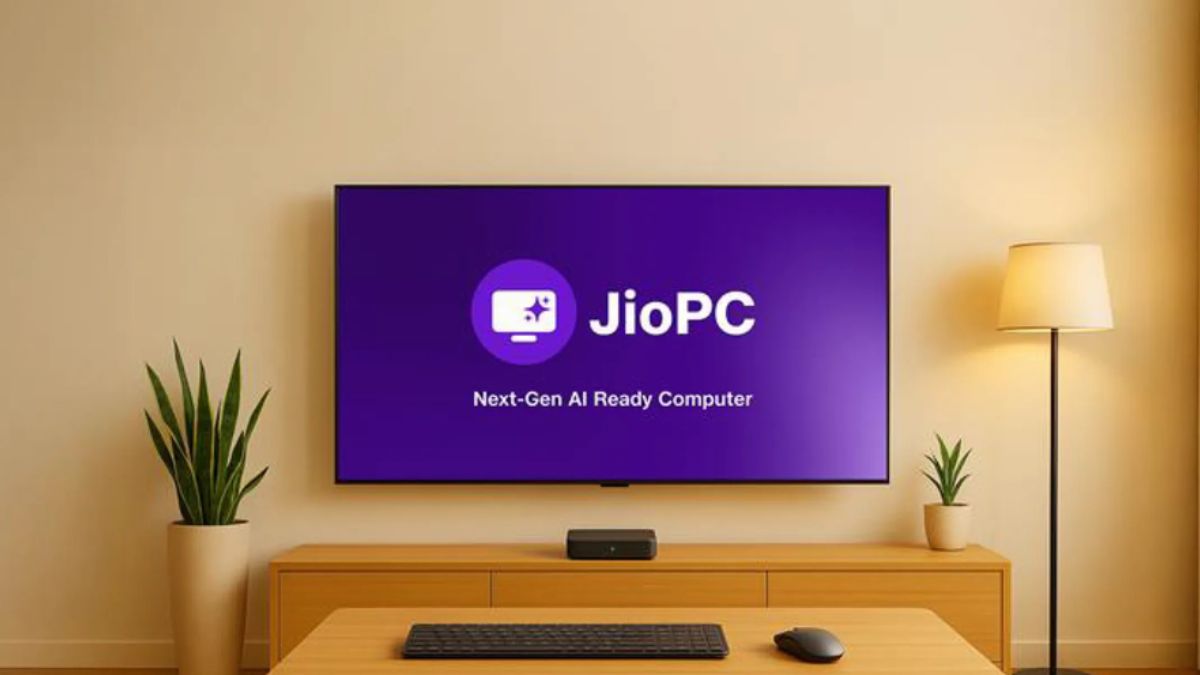
Reliance Jio has introduced a revolutionary digital solution — JioPC, a cloud-based virtual desktop service designed to convert any television into a fully functional personal computer without requiring a separate CPU. Operated via the Jio Set-Top Box, JioPC offers an affordable and flexible way for students, professionals, and home users to access desktop features directly on their TVs.
What is JioPC?
The JioPC service leverages cloud technology to provide users with a virtual desktop interface on their television screens. By simply connecting a keyboard and mouse to the TV and using the Jio Set-Top Box, customers can carry out essential computing tasks such as web browsing, online learning, programming, and document editing.
Unlike traditional computers, JioPC does not require any CPU or heavy hardware, making it a budget-friendly and space-saving alternative for households.
Operating System and Software Support
JioPC runs on Ubuntu (Linux), a widely used open-source operating system. The platform comes with LibreOffice pre-installed for essential productivity needs.
Additionally, users can access Microsoft Office applications via browsers, ensuring compatibility for those who rely on Word, Excel, or PowerPoint. For creative users, JioPC has tied up with Adobe, providing free access to Adobe Express for designing and content creation.
To further enhance productivity, subscribers get a one-month trial of Jio Workspace, which includes browser-based Microsoft Office tools and expanded 512GB cloud storage.
Plans and Pricing
JioPC adopts a pay-as-you-go model, ensuring that users are not bound by long-term contracts or maintenance fees. Plans are designed to suit varying needs,
- Basic Plan: ₹599 per month + GST
- Quarterly Offer: ₹1,499 for three months, with an extra month free (total of 4 months)
- Annual Plan: ₹4,599 for 12 months, with 3 complimentary months (total of 15 months)
This pricing strategy makes JioPC a cost-effective solution for families and students who need reliable computing access without investing in costly PCs or laptops.
Technical Specifications
Each JioPC virtual machine comes with a strong configuration to handle basic to moderate computing need,
- 4 CPUs for smooth multitasking
- 8GB RAM for stable performance
- 100GB cloud storage (expandable during trial)
- This ensures that users can work on documents, browse the internet, and use multiple applications seamlessly.
Limitations to Consider
- While JioPC is a game-changer for affordable computing, it currently has certain restrictions.
- No hardware peripheral support like webcams and printers.
- Requires an uninterrupted internet connection, as all processes run on cloud servers.
- These limitations may affect users who need extensive hardware connectivity for work or professional use.
How to Set Up JioPC
The setup is simple and quick,
- Power on the Jio Set-Top Box.
- Open the JioPC application under the Apps section.
- Register using the linked mobile number.
- Instantly access your cloud-based desktop.
Who Should Use JioPC?
JioPC is particularly useful for,
- Students for online classes and assignments.
- Home users for browsing, learning, and documentation.
- Beginner programmers who need a budget-friendly coding setup.
- Creative learners making use of Adobe Express and AI tools for projects.
- By offering desktop-level performance at a fraction of the cost, JioPC emerges as a powerful digital inclusion tool for Indian households.


 Deloitte Opens ConnectSafe Cyber Securit...
 Trump Announces $300 Billion Refinery Pa...
 IndiGo CEO Pieter Elbers Resigns & R...