
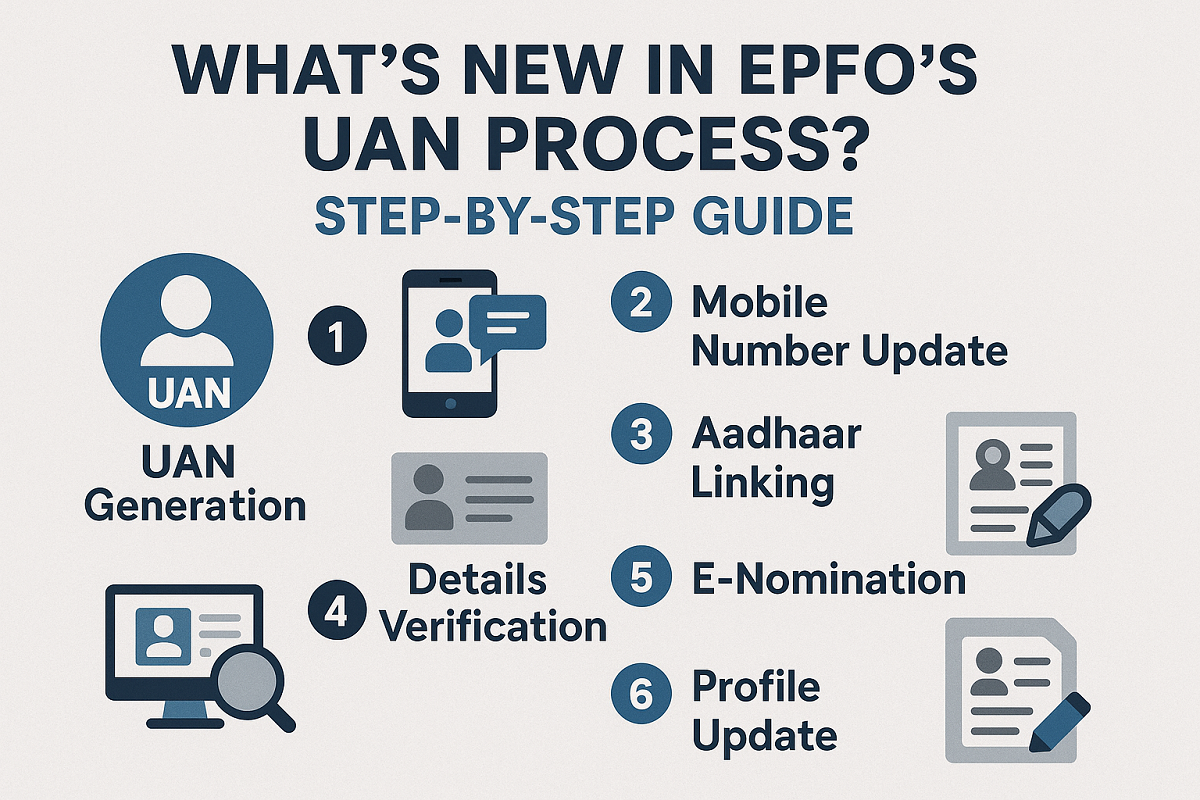
Starting August 1, 2025, the Employees’ Provident Fund Organisation (EPFO) has implemented a mandatory face authentication process for creating and updating UANs (Universal Account Numbers). This new rule aims to fully digitise and secure the identity verification process, using Aadhaar-based Face Authentication Technology (FAT) through the UMANG app.
This change affects both new users generating UANs and those with existing activated UANs who need to update their records.
Why the Change?
The move is part of EPFO’s effort to streamline its operations, enhance identity verification, and eliminate discrepancies in member records. By linking Aadhaar data directly through biometric face recognition, EPFO ensures stronger authentication, quicker service access, and fewer errors in member details.
Step-by-Step: Face Authentication for Existing UANs
If you already have an activated UAN and need to update your EPFO details using face authentication, follow this simple guide:
Step 1: Get the Required Apps
Download both the UMANG app and the Aadhaar Face RD (Registered Device) app from the Google Play Store or Apple App Store.
Step 2: Open the UMANG App
Launch UMANG and go to the section titled “Face Authentication of Already Activated UANs.”
Step 3: Give Consent
Tick the checkbox to agree to the terms and tap on the “Face Authentication” button. If the Aadhaar Face RD app isn’t already installed, the app will prompt you to do so.
Step 4: Facial Verification
The system will begin a facial scan using the UIDAI’s secure API to match your face with your Aadhaar data.
Step 5: Auto-fetch of Details
Once verified, the system will automatically fetch and match:
- Your Universal Account Number (UAN)
- Your linked Aadhaar number
- Your registered mobile number
Step 6: EPFO Records Updated
After successful verification, the EPFO system will update your account with the authenticated credentials.
What If You Face Issues?
If the facial scan fails or the system shows an error, don’t worry. You can:
- Use the UMANG Helpdesk feature within the app.
- Contact EPFO Customer Support directly for further assistance.
Final Takeaway
The new face authentication rule makes managing your EPFO account easier and more secure. With just a smartphone and your Aadhaar-linked credentials, you can now update your UAN details from anywhere, without needing to visit a PF office.
Make sure to complete the face verification process at the earliest to stay compliant and enjoy uninterrupted access to your EPFO services.


 India Extends Inflation Targeting Framew...
 RBI's This Domain Wins Global Recognitio...
 Why HDFC Bank Chairman Atanu Chakraborty...